
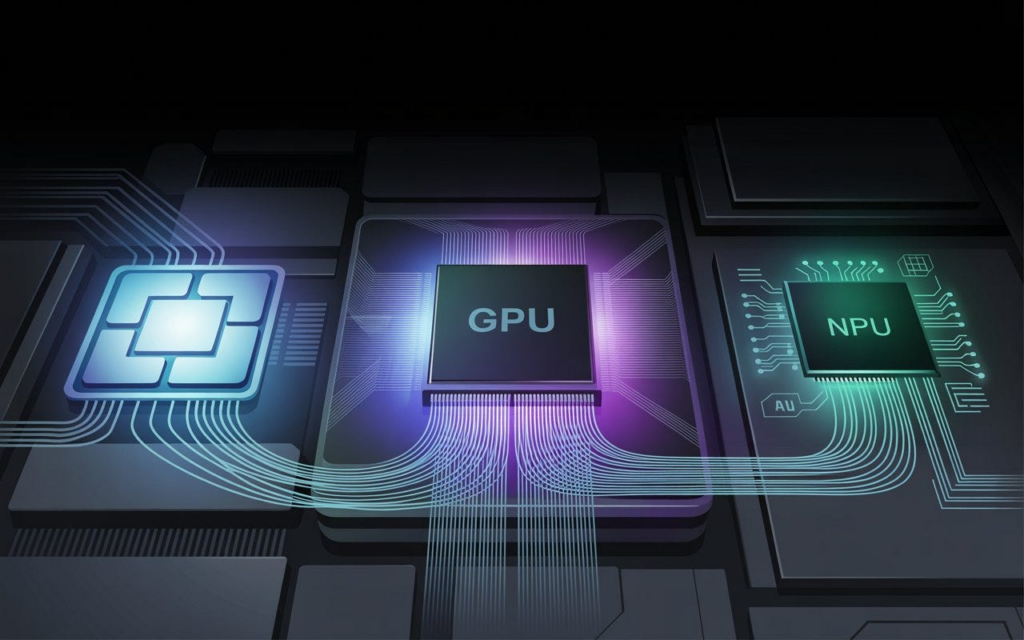
Artificial intelligence has changed not just the software we use, but also the hardware powering our devices. Modern computers are no longer built around a single processor. Instead, they increasingly rely on three specialised chips working together: the Central Processing Unit (CPU), Graphics Processing Unit (GPU), and Neural Processing Unit (NPU).
While these processors may seem similar, each is designed for a different type of workload. The CPU handles everyday computing, the GPU tackles graphics and massive parallel computations, and the NPU is optimised to run AI models efficiently on your device.
Understanding how these chips work together can help consumers make smarter decisions when buying laptops, desktops, or AI-enabled PCs.
What is a CPU?
The Central Processing Unit, or CPU, is often called the brain of a computer because it coordinates nearly everything the system does.
Every time you open a web browser, launch an application, save a document, or switch between programs, the CPU processes those instructions.
What the CPU does best
The CPU excels at handling sequential tasks that require quick decision-making.
Typical CPU workloads include the following:
- Running Windows, macOS, or Linux
- Managing applications
- Web browsing
- Office productivity software
- Programming and software development
- File management
- System security
Modern CPUs also coordinate communication between other components, including memory, storage, GPUs, and NPUs.
Think of the CPU as an orchestra conductor. It doesn’t play every instrument itself, but it ensures every component works together efficiently.
What is a GPU?
The Graphics Processing Unit, or GPU, was originally developed to render images and video for games.
Unlike CPUs, GPUs contain thousands of smaller processing cores capable of performing many calculations simultaneously.
That makes them exceptionally good at workloads involving large amounts of parallel computation.
Why GPUs became critical for AI
Artificial intelligence models rely heavily on matrix calculations.
Training a large AI model involves processing billions or even trillions of mathematical operations simultaneously.
GPUs excel at this kind of work because they can execute thousands of calculations in parallel rather than one at a time.
Today, GPUs power:
- High-end gaming
- Video rendering
- Scientific simulations
- Machine learning
- AI model training
- Cryptocurrency mining
- 3D animation
Without GPUs, today’s generative AI revolution would likely have progressed much more slowly.
What is an NPU?
The Neural Processing Unit, or NPU, is the newest member of the modern computing trio.
Rather than handling every kind of computing task, an NPU is purpose-built to execute artificial intelligence workloads efficiently.
Specifically, NPUs focus on AI inference.
AI inference means running an already-trained AI model to generate results, rather than training the model itself.
Examples include:
- Live language translation
- Real-time transcription
- Background blur during video calls
- Image enhancement
- Voice recognition
- AI-powered photo editing
- Facial recognition
- On-device chat assistants
Because NPUs are optimized for these specific tasks, they consume far less power than CPUs or GPUs.
CPU vs. GPU vs. NPU: What’s the difference?
| Feature | CPU | GPU | NPU |
|---|---|---|---|
| Primary role | General computing | Graphics and parallel processing | AI inference |
| Best at | Everyday tasks | Gaming, rendering, AI training | On-device AI features |
| Processing style | Sequential | Massive parallel computing | AI-specific acceleration |
| Power efficiency | Moderate | High power consumption | Very efficient |
| Common uses | Operating systems, apps | Games, AI training, video editing | Live translation, Copilot, AI cameras |
Each processor complements the others rather than replacing them.
Why modern AI laptops include all three chips
Running AI entirely on a CPU would be slow.
Running everything on a GPU would drain battery life quickly.
Running every AI request in the cloud introduces privacy concerns, latency, and internet dependence.
The NPU solves many of these challenges.
Instead of sending data to remote servers, an NPU allows many AI features to execute directly on the device.
Benefits include:
- Faster response times
- Better privacy
- Lower internet usage
- Improved battery life
- Reduced cloud computing costs
This is why nearly every major chipmaker is integrating dedicated AI hardware into its newest processors.
Why Microsoft’s Copilot+ PCs require an NPU
Microsoft has made dedicated AI hardware a central requirement for its Copilot+ PC platform.
To qualify, devices must include the following:
- At least 16GB of RAM
- Fast SSD storage
- An NPU capable of delivering at least 40 TOPS (trillion operations per second)
That processing capability allows AI features to run locally without depending entirely on cloud servers.
Examples include:
- Recall
- Live Captions
- Cocreator image generation
- Windows Studio Effects
- AI-enhanced search
As more software developers optimize applications for NPUs, these processors are expected to become increasingly important.
What does TOPS mean?
When comparing AI processors, you’ll often see the term TOPS.
TOPS stands for Trillion Operations Per Second.
It measures how many AI calculations a chip can perform every second.
Generally:
- Higher TOPS indicates greater AI processing capability.
- More TOPS enables larger and more sophisticated AI models to run locally.
- TOPS alone does not determine overall performance, as software optimization, memory bandwidth, and architecture also matter.
Think of TOPS as similar to horsepower in a car. It provides a useful performance indicator but doesn’t tell the whole story.
The newest AI chips are pushing NPU performance higher
Chipmakers are rapidly increasing NPU capabilities to support more demanding AI applications.
Among the processors expected to define the latest generation of AI PCs are:
- Qualcomm Snapdragon X2
- Intel Panther Lake
- AMD Ryzen AI 400 Series
These chips offer NPU performance ranging from roughly 50 to 80 TOPS, enabling increasingly advanced AI features without relying on cloud processing.
The race is no longer just about faster CPUs or more powerful GPUs. It’s about balancing all three processors to deliver responsive, efficient AI experiences.
Why CPU, GPU, and NPU will all matter in the future
As AI becomes a standard feature in productivity software, creative applications, gaming, and operating systems, specialized hardware will become increasingly important.
Rather than replacing one another, CPUs, GPUs, and NPUs each perform distinct roles:
- CPUs keep the entire system running smoothly.
- GPUs provide the computing muscle for graphics and AI training.
- NPUs bring AI directly onto your device with greater efficiency and lower power consumption.
Together, they form the foundation of the next generation of personal computing, where intelligent features run faster, consume less energy, and increasingly work without requiring a constant internet connection.
TL;DR
- The CPU is the computer’s general-purpose processor and manages everyday tasks.
- The GPU specialises in graphics rendering and large-scale parallel computing, making it essential for gaming and AI training.
- The NPU is built specifically for AI inference, enabling features like live captions, image generation, and background blur while using minimal power.
- Modern AI PCs combine all three processors to deliver better performance, efficiency, and battery life.
- Microsoft’s Copilot+ PCs require an NPU capable of at least 40 TOPS to support advanced on-device AI features.