

• About BreezyScroll
  • Privacy & Policy
  • Contact Us
Thursday, June 4, 2026
BreezyScroll
  • Home
  • Breezy Stories
  • Technology
  • Gaming
  • Entertainment
  • Lifestyle
  • World
  • Money
  • Sports
  • Breezy Explainer
No Result
View All Result
  • Home
  • Breezy Stories
  • Technology
  • Gaming
  • Entertainment
  • Lifestyle
  • World
  • Money
  • Sports
  • Breezy Explainer
No Result
View All Result
BreezyScroll
No Result
View All Result

Home  /  Technology  /  iOS 16: How to download, features, and all you need to know

iOS 16: How to download, features, and all you need to know

by Glenn Herman
September 12, 2022
in Breezy Explainer, Technology
Reading Time: 2 mins read
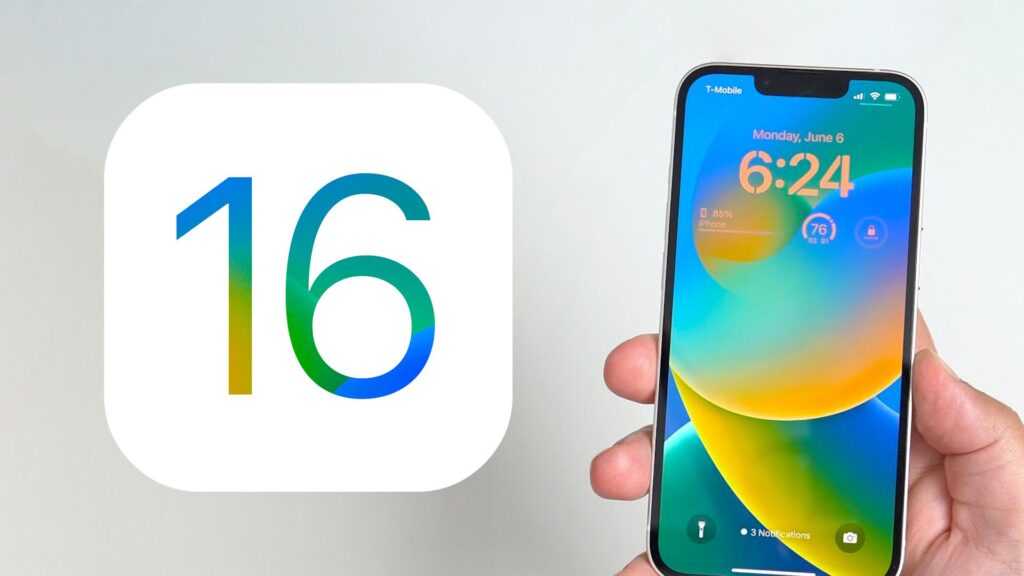
iOS 16: How to download, features, and all you need to know

Today, eligible iPhones will finally start receiving Apple iOS 16. The software upgrade was initially introduced in June of this year at the WWDC conference. With the new software, iPhone owners will be able to change a variety of items, including the font, color, and positioning of information on the lock screen. Additionally, users can share a different iCloud photo library with up to five other persons using the app.

Users all throughout the world will start receiving Apple iOS 16 today. It works with Apple iPhone 8 and later models. These include iPhone 13, iPhone 13 Mini, iPhone 13 Pro, iPhone 13 Pro Max, iPhone 12, iPhone 12 Mini, iPhone 12 Pro, iPhone 12 Pro Max, iPhone 11, iPhone 11 Pro, iPhone 11 Pro Max, iPhone XS, iPhone XS Max, iPhone XR, iPhone X, iPhone 8, iPhone 8 Plus and iPhone SE (2nd generation or later). iOS 16 is pre-installed on the new iPhone 14 series, which includes the iPhone 14, iPhone 14 Plus, iPhone 14 Pro, and iPhone 14 Pro Max.

Apple iOS 16: How to download
Apple iOS 16: How to download

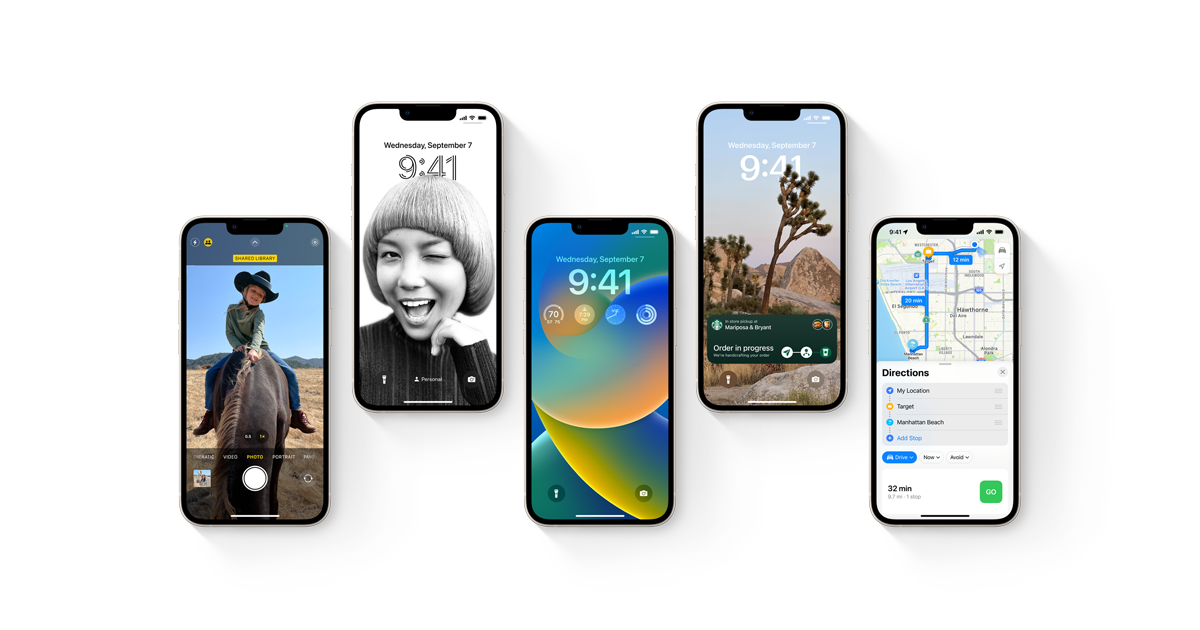
You can download Apple iOS 16 for your smartphone from the Settings app whenever it becomes available. To do this, select General from the Settings menu. After selecting Software Update, click Download and Install. The software can be downloaded right now or installed later. You can decide between the two as per your choice.

To ensure that no files are lost or erased, it is recommended to have a backup of your iPhone before installing the app. Go to Settings > Your Name > iCloud > iCloud Copy, then hit Back Up Now to create a backup of your Apple iPhone. Take notice that in order to take an iCloud backup, Wi-Fi must be turned on.

Apple iOS 16 features
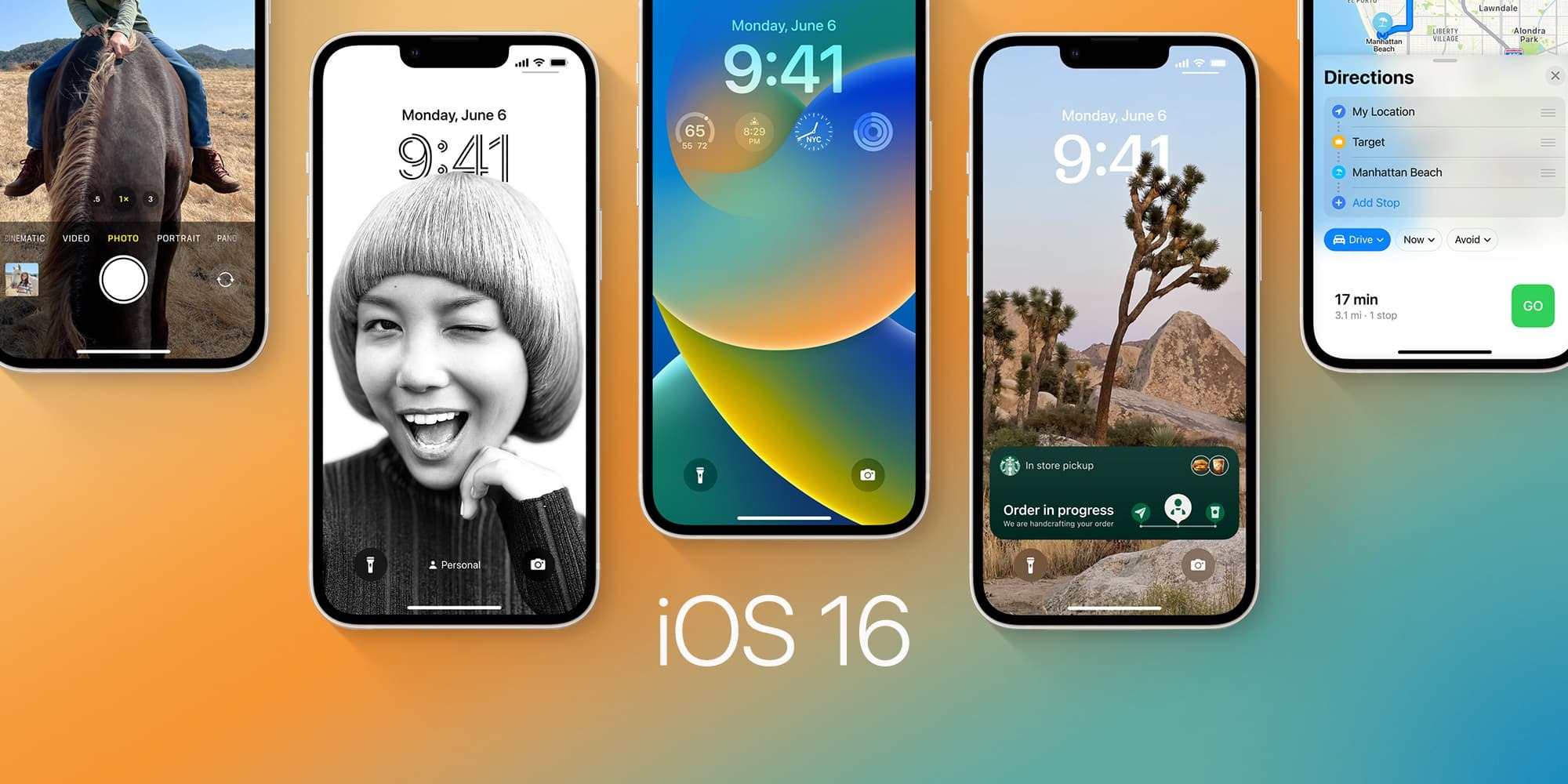
With iOS 16, iPhone users can share a separate iCloud photo library with up to five other people. They can share all their past photos, or use setup tools to contribute specific photos based on the start date or people. The software also allows users to customize their phone’s lock screen. Another feature coming with iOS 16 is the ability to edit iMessage. Users can edit a message for up to 15 minutes after sending it. iOS 16 also allows iPhone users to share Tab Groups in Safari with friends. Everyone can add their own tabs and see the Tab Group update instantly as they work together.


ShareTweetShareSend

Recent Articles

WWDC 2026: What to Expect From Apple’s Biggest Software Event of the Year

WWDC 2026: What to Expect From Apple’s Biggest Software Event of the Year

June 4, 2026
US Wildlife Officials Urge Residents to Kill Invasive Tegu Lizards Spreading Across Southern States

US Wildlife Officials Urge Residents to Kill Invasive Tegu Lizards Spreading Across Southern States

June 4, 2026
Monako Glass: Chinese Smart Glasses Can Run Claude Code and Codex

Monako Glass: Chinese Smart Glasses Can Run Claude Code and Codex

June 4, 2026
Prince Harry Reportedly Not Invited to Peter Phillips’s Wedding Amid Royal Rift

Prince Harry Reportedly Not Invited to Peter Phillips’s Wedding Amid Royal Rift

June 4, 2026
BreezyScroll Logo

BreezyScroll is a global content platform that provides a unique experience of enhancing the knowledge quotient for its audience by providing the latest news and updates from various categories such as politics, sports, entertainment, technology, and more.
The platform aims to provide a concise and easy-to-read format for its users. BreezyScroll covers news stories from around the world, majorly the United States. The platform was launched in 2021 and has become one of the fastest-growing content companies in the US.

Follow Us

Browse by Category

  • Africa
  • Alaska
  • Animals
  • Asia
  • Athletics
  • Australia
  • Auto
  • Basketball
  • Bollywood
  • Brand
  • Breezy Explainer
  • Breezy Feature
  • Breezy Soul
  • Business
  • Canada
  • Chess
  • China
  • Coronavirus
  • Cricket
  • DIY
  • Education
  • Entertainment
  • Environment
  • EPL
  • Europe
  • Exclusive Interview
  • Exclusive Review
  • Football
  • Gaming
  • Health
  • Hollywood
  • India
  • International
  • K Pop
  • Law
  • Lifestyle
  • Middle East
  • Money
  • NFL
  • North America
  • OTT
  • Paris Olympics
  • Pets
  • Press Releases
  • Russia
  • Science
  • South America
  • Space
  • Sports
  • Startup
  • Technology
  • Tennis
  • Tennis
  • The Achievers
  • The US
  • Travel
  • UK
  • UK
  • Uncategorized
  • World
  • WWE

Trending Topics

AI Apple Australia Biden California Canada ChatGPT China Climate Change Coronavirus COVID-19 Donald Trump Elon Musk Featured Florida Google IPL Iran Japan Joe Biden Mars Meta Moon NASA NBA Netflix New York North Korea Ohio OpenAI Putin Russia Russia-Ukraine crisis South Korea Taliban Tesla Texas TikTok Trump Twitter UFO UK Ukraine USA Virat Kohli

No Result
View All Result
  • About BreezyScroll
  • Privacy & Policy
  • Contact Us

© 2024 · BreezyScroll.com

No Result
View All Result
  • Home
  • Breezy Stories
  • Technology
  • Gaming
  • Entertainment
  • Lifestyle
  • World
  • Money
  • Sports
  • Breezy Explainer

© 2024 · BreezyScroll.com

Go to mobile version