
• About BreezyScroll
  • Privacy & Policy
  • Contact Us
Saturday, June 20, 2026
BreezyScroll
  • Home
  • Breezy Stories
  • Technology
  • Gaming
  • Entertainment
  • Lifestyle
  • World
  • Money
  • Sports
  • Breezy Explainer
No Result
View All Result
  • Home
  • Breezy Stories
  • Technology
  • Gaming
  • Entertainment
  • Lifestyle
  • World
  • Money
  • Sports
  • Breezy Explainer
No Result
View All Result
BreezyScroll
No Result
View All Result

Home  /  Technology  /  How to clean your laptop the right way

How to clean your laptop the right way

by Varun Sangwan
June 28, 2021
in Technology
Reading Time: 2 mins read
How to clean the laptop

Cleaning a laptop is a tuff task for people in this modern and fast-paced world. As they are too busy working they don’t get enough time to look around their Laptops. But cleaning a laptop is necessary as it extends the life of the laptop. According to the Centers for Disease Control and Prevention (CDC) cleaning the device regularly can prevent several diseases caused by germs. Also, cleaning your laptop and its various parts make your work look appealing.

How to clean your keyboard effectively
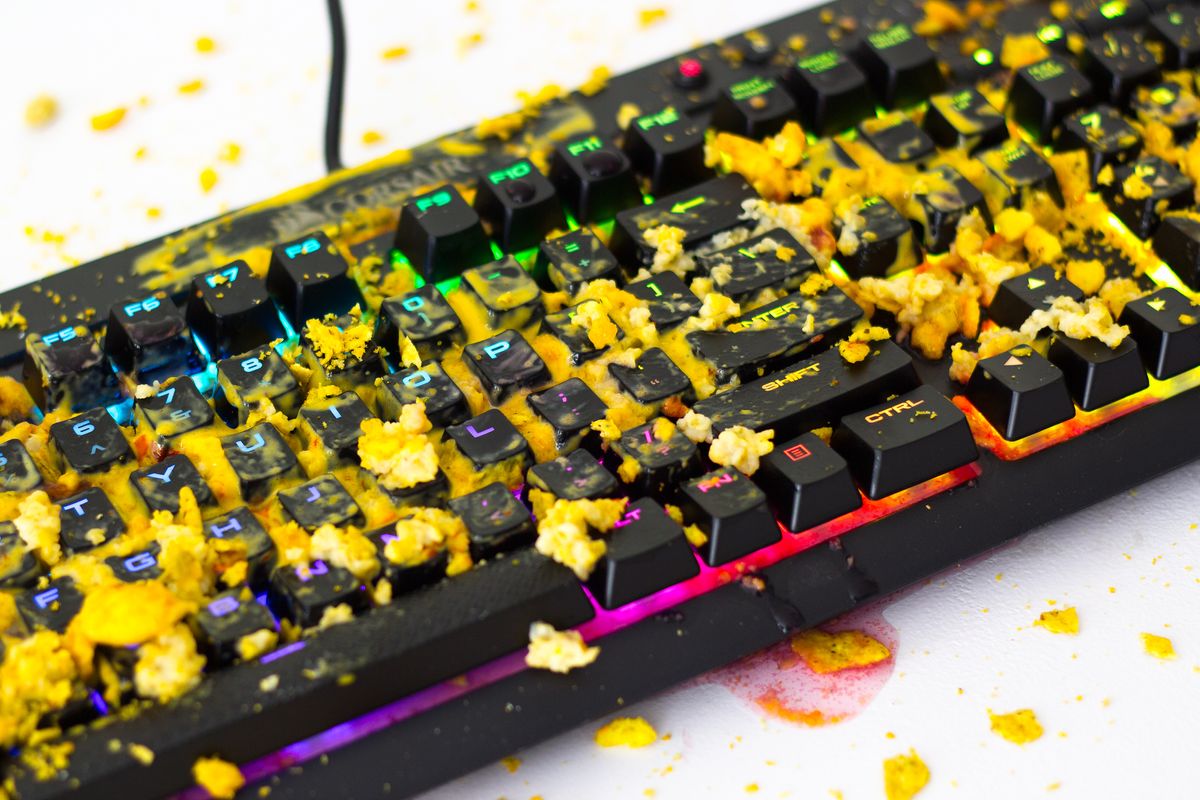
How to clean the keyboard
  • Shut down your laptop and disconnect the battery.
  • Turn your laptop up and down and smoothly tap it to eliminate slack bits.
  • Use a vacuum cleaner on the keyboard to remove dust particles and it also helps in getting rid of the junk that attached to the keys.
  • Moisten some cotton swabs with scrubbing alcohol and then wipe them over the keys, make sure that the swabs are not too wet.
  • Use some cyber clean to your keyboard for cleansing of keys.

How to clean your LCD screen

Laptop
  • Use the vacuum cleaner to remove any surface dust. 
  • Make a solution of vinegar and distilled water.
  • Refer to this video to make the solution.
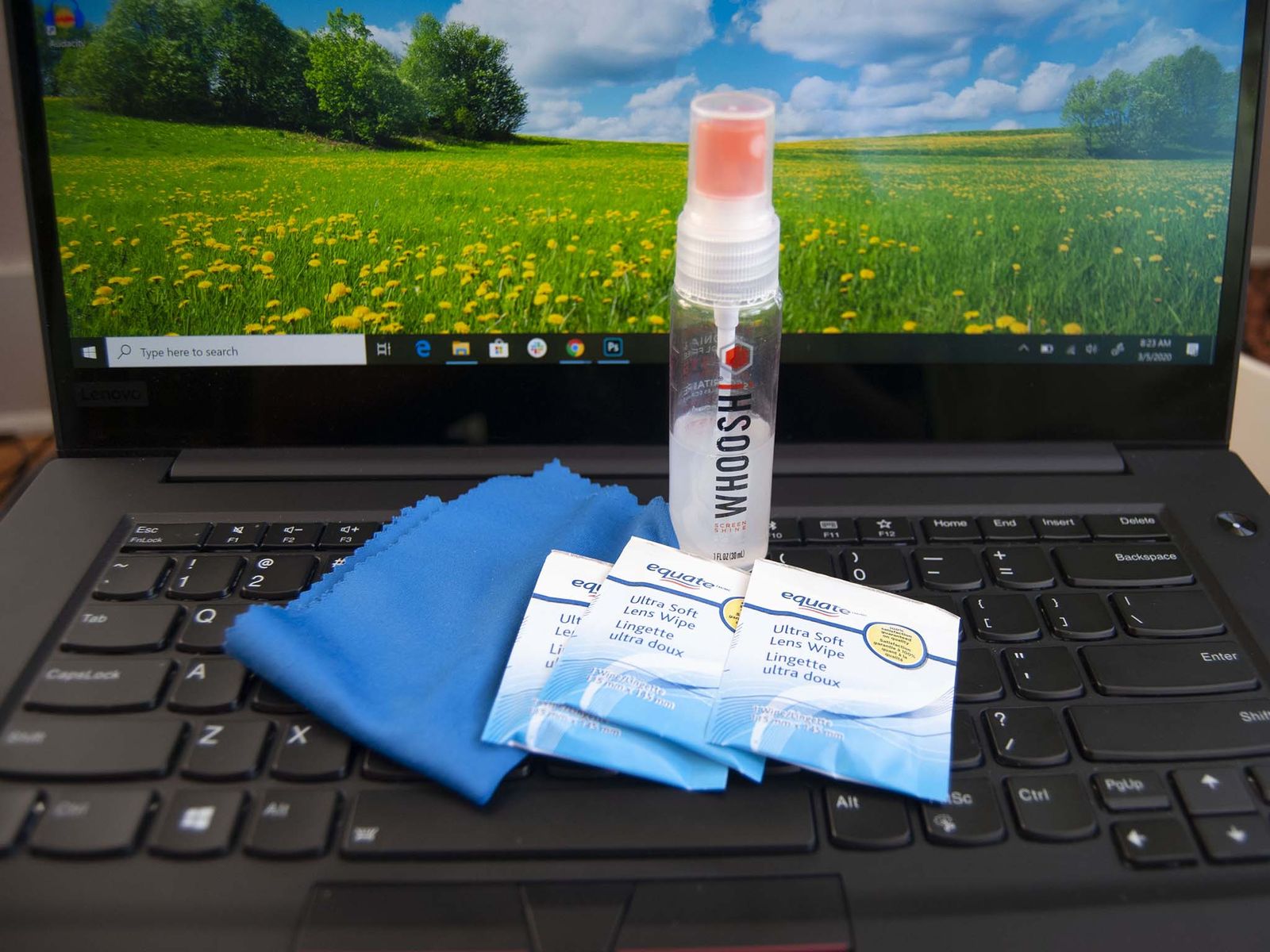
  • After making the solution, spray this on the screen and then gently clean the screen.
  • One can keep the screen clean by consistently cleaning it with a cloth specifically made for computers. You can buy them online at various stores but primarily check your computer/laptop manual before using any cleansing item.

How to clean the external mouse

How to clean the laptop mouse
  • This external device is always forgotten while cleaning the computer.
  • Use Vinegar and distilled water solution and wipe out your mouse with a cloth.
  • Clean all around the mouse top, bottom, and sides.
  • It is the easiest part to clean in the laptop.

Tags: How to clean a laptop
ShareTweetShareSend

Recent Articles

FIFA World Cup 2026: Why Japanese Football Fans Are Facing Backlash Despite Their Stadium Cleanup Tradition

FIFA World Cup 2026: Why Japanese Football Fans Are Facing Backlash Despite Their Stadium Cleanup Tradition

June 20, 2026
Sun May Not Swallow Earth After All, New Study Suggests

Sun May Not Swallow Earth After All, New Study Suggests

June 20, 2026
Why China is Tightening Its Grip On Indium Exports and Why it Matters For AI

Why China is Tightening Its Grip On Indium Exports and Why it Matters For AI

June 20, 2026
Flying White House: Why Qatar’s Gift Of a New Presidential Jet To Trump Is Historic

Flying White House: Why Qatar’s Gift Of a New Presidential Jet To Trump Is Historic

June 20, 2026
BreezyScroll Logo

BreezyScroll is a global content platform that provides a unique experience of enhancing the knowledge quotient for its audience by providing the latest news and updates from various categories such as politics, sports, entertainment, technology, and more.
The platform aims to provide a concise and easy-to-read format for its users. BreezyScroll covers news stories from around the world, majorly the United States. The platform was launched in 2021 and has become one of the fastest-growing content companies in the US.

Follow Us

Browse by Category

  • Africa
  • Alaska
  • Animals
  • Asia
  • Athletics
  • Australia
  • Auto
  • Basketball
  • Bollywood
  • Brand
  • Breezy Explainer
  • Breezy Feature
  • Breezy Soul
  • Business
  • Canada
  • Chess
  • China
  • Coronavirus
  • Cricket
  • DIY
  • Education
  • Entertainment
  • Environment
  • EPL
  • Europe
  • Exclusive Interview
  • Exclusive Review
  • Football
  • Gaming
  • Health
  • Hollywood
  • India
  • International
  • K Pop
  • Law
  • Lifestyle
  • Middle East
  • Money
  • NFL
  • North America
  • OTT
  • Paris Olympics
  • Pets
  • Press Releases
  • Russia
  • Science
  • South America
  • Space
  • Sports
  • Startup
  • Technology
  • Tennis
  • Tennis
  • The Achievers
  • The US
  • Travel
  • UK
  • UK
  • Uncategorized
  • World
  • WWE

Trending Topics

AI Apple Australia Biden California Canada ChatGPT China Climate Change Coronavirus COVID-19 Donald Trump Elon Musk Featured Florida Google IPL Iran Japan Joe Biden Mars Meta Moon NASA NBA Netflix New York North Korea Ohio OpenAI Putin Russia Russia-Ukraine crisis South Korea Taliban Tesla Texas TikTok Trump Twitter UFO UK Ukraine USA Virat Kohli

No Result
View All Result
  • About BreezyScroll
  • Privacy & Policy
  • Contact Us

© 2024 · BreezyScroll.com

No Result
View All Result
  • Home
  • Breezy Stories
  • Technology
  • Gaming
  • Entertainment
  • Lifestyle
  • World
  • Money
  • Sports
  • Breezy Explainer

© 2024 · BreezyScroll.com

Go to mobile version