

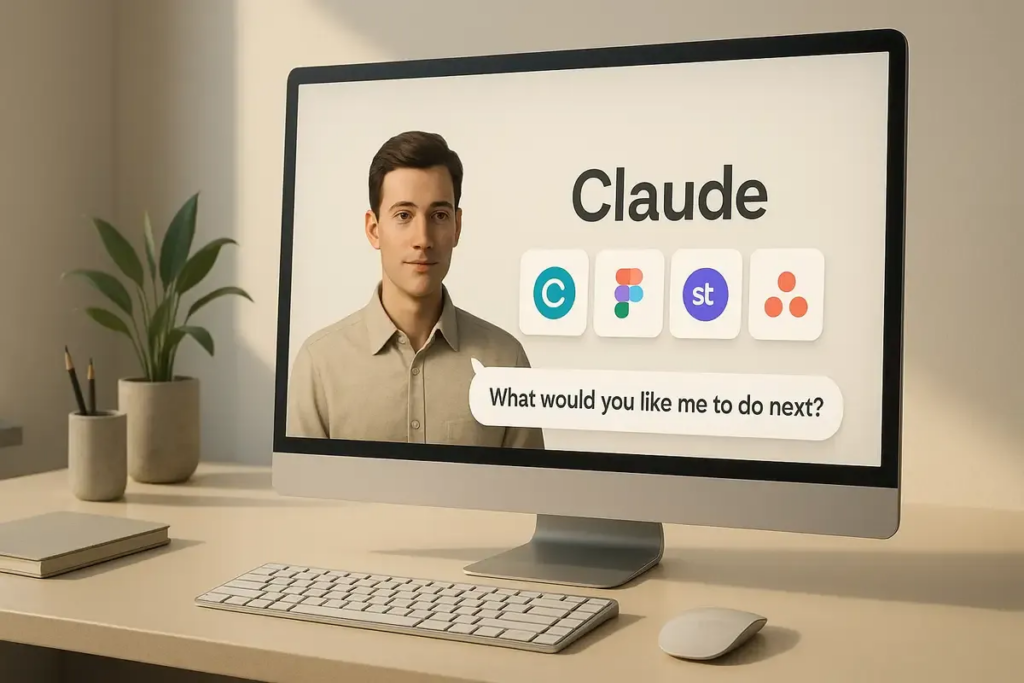
The idea of an AI quietly finishing your work while you’re on the move just took a big step closer to reality. Anthropic has introduced a new feature for Claude AI that lets users assign tasks from their phone while the AI executes them on a desktop in the background. Called “Dispatch,” the feature reframes AI from a reactive chatbot into something closer to a remote employee—one that works while you’re away and delivers results when you return.
What is Claude AI’s remote employee feature?
The new feature is part of Claude’s “Cowork” mode, currently in research preview. It allows users to send instructions from their phone while Claude carries them out on a connected desktop computer.
How it works in practice
- You send a command from your phone
- Claude processes the request
- The AI performs actions on your desktop
- The finished output is ready when you return
Instead of watching each step, users get the result—whether that’s a report, presentation, or organized file system.
Think of it less like chatting and more like delegating.
How is this different from traditional AI assistants?
Most AI tools today operate in short bursts. You ask, they answer. Then the interaction ends.
Claude’s new approach introduces continuity and autonomy.
Key differences
- Persistent workflows: Conversations don’t reset; Claude remembers context
- Background execution: Tasks run without real-time supervision
- Desktop-level access: Works with local files, not just cloud inputs
- Outcome-focused: Delivers finished work instead of step-by-step logs
This shift moves AI closer to becoming an operational tool rather than just an informational one.
What can Claude actually do with this feature?
The capabilities depend on what your desktop environment allows, but early use cases include:
Common tasks
- Preparing reports and documents
- Organizing folders and files
- Analyzing spreadsheets
- Creating presentations
- Pulling data from local or connected apps
For example, you could message Claude during your commute:
“Summarize last quarter’s sales data and create a slide deck.”
By the time you open your laptop, the work is already completed.
What makes it powerful
Claude operates directly within your system, meaning:
- It can access your existing files
- It can use installed tools and integrations
- It isn’t limited by mobile constraints
This bridges a major gap between mobile convenience and desktop capability.
Why does this matter for the future of work?
Anthropic’s update signals a broader shift in how AI fits into daily workflows.
From assistant to operator
Until now, AI has largely been:
- A helper for generating ideas
- A tool for answering questions
With Dispatch, it becomes:
- A task executor
- A workflow participant
- A time-saving operator
Potential impact
- Reduces repetitive work
- Speeds up task completion
- Enables asynchronous productivity
- Changes expectations of workplace efficiency
This could be especially useful for professionals juggling multiple responsibilities or working across devices.
What are the risks and limitations?
Giving AI access to your desktop is powerful—but it comes with trade-offs.
Key concerns
- File access risks: Claude can modify or delete files if instructed
- Security implications: Connected apps may expose sensitive data
- Limited transparency: Users see results, not every action taken
- User responsibility: Incorrect prompts could lead to unintended outcomes
Anthropic has emphasized that users need to understand the permissions they grant.
What users should do
- Review app permissions carefully
- Avoid giving unnecessary access
- Double-check critical outputs
- Use clear, precise instructions
This is less like using a chatbot and more like managing a junior employee—you need oversight.
Who gets access and when?
The feature is rolling out in phases:
- Available now for Max plan users
- Expanding to Pro plan users shortly after
- Requires both:
- Claude desktop app
- Claude mobile app
Since it’s still a research preview, features and capabilities may evolve based on user feedback.
How does this compare to other AI tools?
While companies like OpenAI and Google are also exploring AI agents, Anthropic’s approach stands out for one reason: tight integration with a user’s personal desktop environment.
Most competitors focus on cloud-based automation. Claude is leaning into local execution.
That distinction could matter for:
- Privacy-conscious users
- Enterprise workflows
- Complex, file-heavy tasks
TL;DR
- Anthropic’s Claude now supports a “remote employee” style feature
- Users can assign tasks from their phone
- Claude executes them on a desktop in the background
- It delivers completed work, not step-by-step updates
- The feature raises both productivity potential and security concerns
Final takeaway
Claude’s new feature feels like handing off your to-do list to a silent partner who never sleeps. The promise is simple: less time managing tasks, more time reviewing results.
But that promise comes with a shift in mindset. You’re no longer just prompting an AI—you’re delegating to it.
And like any delegation, the outcome depends on how well you define the job.