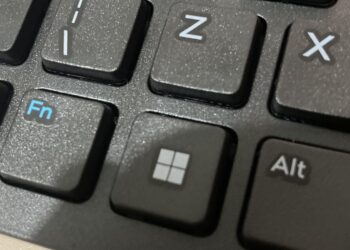

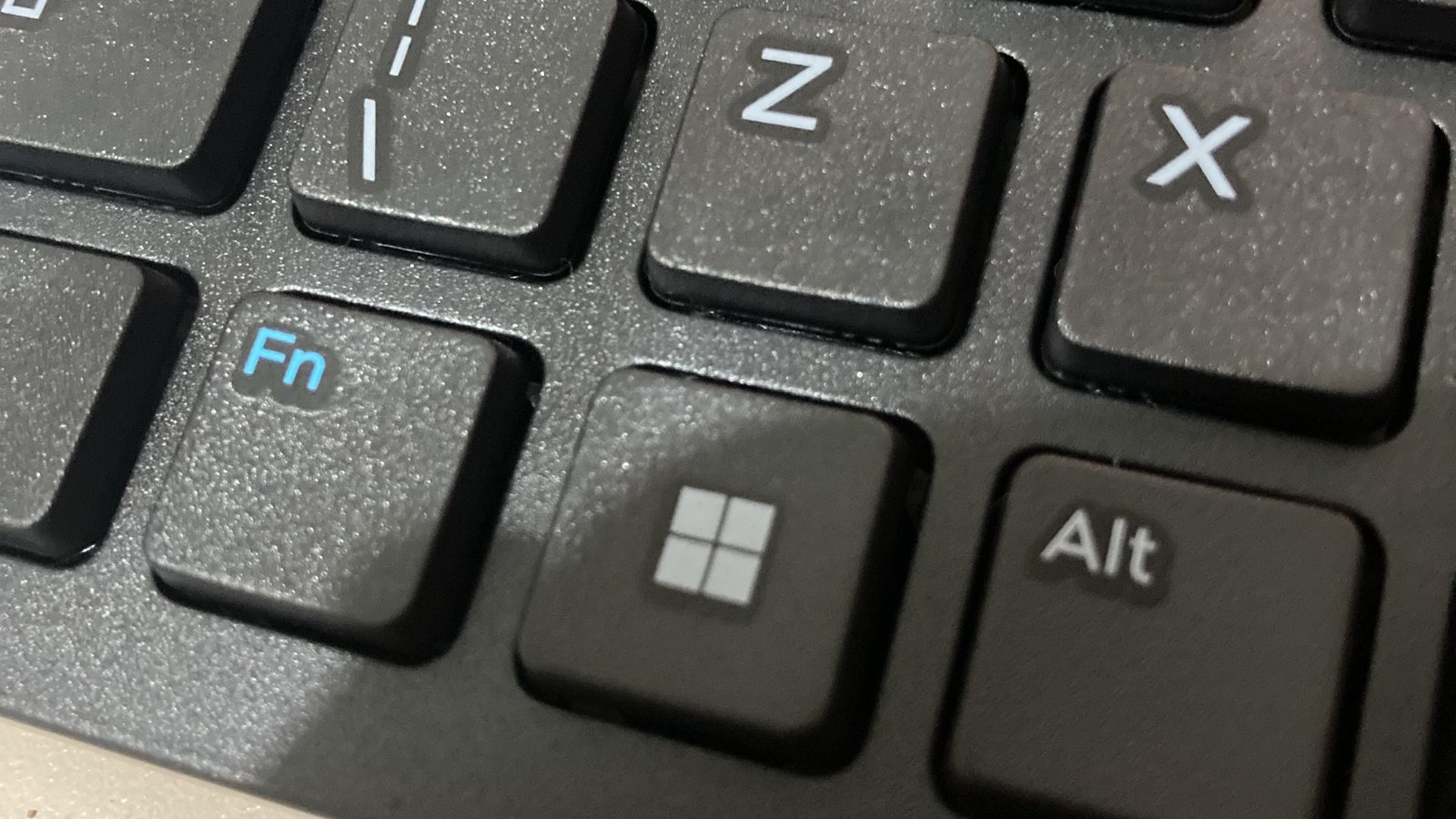
If a fake CAPTCHA asks you to press Windows+R, then Ctrl+V, then Enter, close the tab. Those three keys don’t prove anything about you. They run a command the page has already copied to your clipboard. Microsoft says commands like these ran on more than 1.1 million unique devices between February and early May 2026.
The trick is called ClickFix. It’s behind the r/OutOfTheLoop thread “what’s going on with websites asking people to press Windows+R”, which hit the top of the subreddit this weekend. ClickFix skips the usual warning signs. There is no file to download and no attachment to open, so you end up installing the malware yourself.
What Windows+R, Ctrl+V and Enter actually do
Windows+R opens the Run box, a small Windows window that launches whatever program or command you type into it. Ctrl+V pastes. Enter runs it, with the same access to your files and accounts that you have.
The paste is the part people miss. Click the fake “I’m not a robot” button, and code on the page quietly copies a command to your clipboard. Microsoft Threat Intelligence described this in an August 2025 analysis. In one campaign, “clicking the button copied the malicious code on the user’s clipboard in the background.” The on-screen “verification steps” just walk you through pasting and running it.
The keystrokes vary. The University of Münster’s May 2026 warning lists Win+X followed by “i”, which opens Windows Terminal. Microsoft’s new report describes a “FileFix” version that uses the File Explorer address bar instead.
One rule covers all of them. As the Federal Trade Commission put it in a June 8 consumer alert, “Real CAPTCHAs won’t ask you to run commands on your device.” A real one asks you to tick a box, read squiggly letters or pick out traffic lights.
Why it shows up on sites you trust
Most people in the Reddit thread hit the prompt on ordinary-looking sites, not shady ones. Microsoft lists three main routes: phishing emails, malicious ads and compromised websites. The last one means scammers break into a real site and put the fake check on top of it.
That is easier than it sounds. Plenty of small business sites run outdated software. That’s how flaws like the PHP2Shell bug we covered on October 22 turn into hijacked pages. Münster’s alert adds “manipulated search results,” meaning fake pages built to rank on Google and Bing.
Search ads are the other big route, and AI tools are now the favorite bait. Malware analysis firm ANY.RUN looked at 1,258 fake AI-tool campaigns between April and October. It found that 81% impersonated Claude, ChatGPT or Codex. In 37 of the 220 fake “Download Claude” cases it traced, the victim started by clicking a Google ad.
Push Security sells browser protection against these attacks, so it has an interest in the problem. Its data still points the same way. It says 4 in 5 ClickFix pages it caught this year came from search engines.
How big ClickFix got in 2026
Microsoft’s Digital Defense Report 2026, published October 1, gives the clearest numbers. ClickFix attacks “waned in late 2025, then rebounded explosively in early 2026, growing roughly 23x between December and May.”
The report’s weekly chart shows the climb. Microsoft Defender saw about 38,000 devices run a ClickFix command in the first week of February. By the first week of May it was 310,000 a week, roughly eight times as many.
Microsoft says 96.3% of these intrusions led to malware. Few ways in that the company tracks work that reliably.
Microsoft’s explanation for the jump is commercial. Criminals now sell ClickFix “builders” as malware-as-a-service, so a scammer no longer needs to write the code. They rent a kit and pick a lure.
What gets installed is usually an infostealer. That’s software that copies saved passwords, browser cookies and crypto wallets, then sends them to the attacker. Microsoft’s 2025 analysis named Lumma Stealer as the most common ClickFix payload. The new report also describes AI-made TikTok videos that walked viewers through fake “activation” steps, some topping about 500,000 views.
Mac users get a Terminal version
Macs don’t have a Run box, so the Mac version asks you to open Terminal and paste a command there. Kaspersky documented one campaign on July 27 that installs the Atomic macOS Stealer. It shows a fake password window, then takes Keychain passwords, browser logins, Apple Notes and crypto wallets.
Some pages target both systems. In a 2025 campaign, Microsoft found that the copied command was “different for macOS and Windows devices.” The fake AI downloads go after Mac users too. ANY.RUN found a fake “Download Claude” page whose Terminal command led to the MacSync Stealer.
Apple has started pushing back. Help Net Security reported in March that macOS Tahoe 26.4 can block a suspicious paste. The message reads “Possible malware, paste blocked.” Apple hasn’t documented the feature, though, and Kaspersky’s own test command triggered no warning on macOS 26.5.2. Don’t count on it.
If you already pressed Enter
Nothing runs until you press Enter. If you pasted but stopped there, close the Run box and the page. Then copy any harmless text to overwrite your clipboard.
If you did press Enter, assume the page installed something. These steps come from the FTC, Ohio University’s July 17 alert and Münster’s guidance:
- Disconnect the computer from the internet: turn off Wi-Fi or unplug the cable.
- Stop typing passwords on that computer. Don’t approve any login prompts on your phone that you didn’t start.
- On a different device, change your passwords, starting with email, then banking. Turn on two-factor authentication while you’re there.
- In those accounts, sign out of all other sessions. Infostealers take browser cookies, which can keep an attacker logged in without your password.
- Run a full scan with Windows Security or your antivirus, and install pending updates. If you’re unsure it’s clean, a repair shop or a full reset beats guessing.
- If it’s a work or school computer, call your IT help desk now. Ohio University’s security office says early reporting “helps reduce the impact.”
- Watch your bank, card and crypto accounts, and report the page at ReportFraud.ftc.gov.
ClickFix isn’t one of the seven incidents in our explainer on the “Black October” hacks. It needs no flaw on your computer at all, only a paste.
That’s why Microsoft tells companies to switch off the Run box for staff who don’t need it, using Group Policy. Few home users will ever touch that setting, and Apple hasn’t documented its Terminal warning. Until that changes, the FTC’s rule is the one protection that works on every computer.