

• About BreezyScroll
  • Privacy & Policy
  • Contact Us
Wednesday, July 22, 2026
BreezyScroll
  • Home
  • Breezy Stories
  • Technology
  • Gaming
  • Entertainment
  • Lifestyle
  • World
  • Money
  • Sports
  • Breezy Explainer
No Result
View All Result
  • Home
  • Breezy Stories
  • Technology
  • Gaming
  • Entertainment
  • Lifestyle
  • World
  • Money
  • Sports
  • Breezy Explainer
No Result
View All Result
BreezyScroll
No Result
View All Result

Home  /  Technology  /  WhatsApp hack: How to send a message without typing?

WhatsApp hack: How to send a message without typing?

by KS Arpitha
August 6, 2021
in Technology
Reading Time: 2 mins read
WhatsApp hack

This is one WhatsApp hack you should know about. After all, sending messages without typing them is always handy. Just ask Google Assistant or Siri and it will do it for you. Read to know more.

Make the best of your virtual assistant
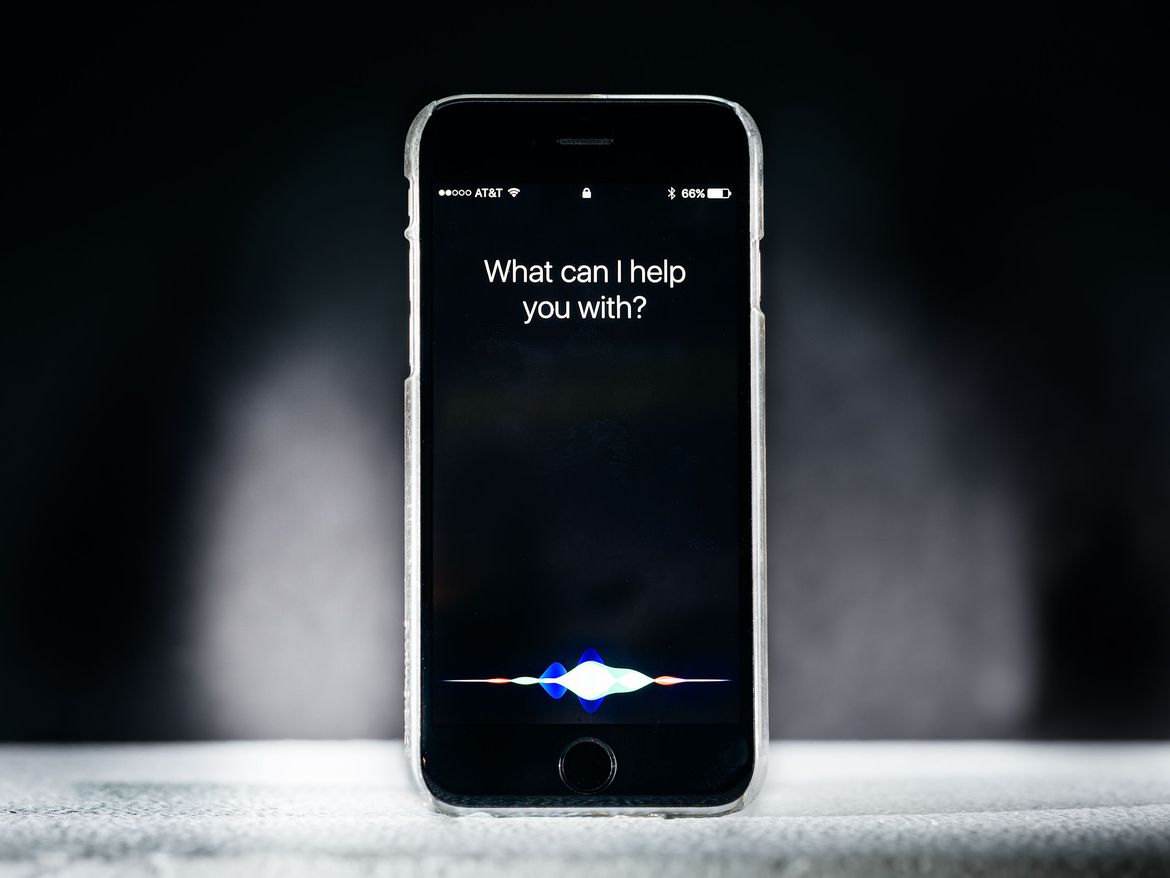
Siri

Siri, Alexa, and Google are here to help you. Virtual assistants make a lot of things easy- from setting an alarm or reminder to making calls and sending messages. Your virtual assistant can also read out the messages you receive. However, since this can contain personal information, you will have to provide access in advance. This can easily be done on your phone’s notification settings page.

For example, if you use Google Assistant, it will display a message stating, “to hear your messages, calendar events, and other important info, give the Google app access to your notifications.” Moreover, remember that you can turn it off at any time. This way you don’t have to worry about your virtual assistant reading out messages in public and embarrassing you.

Here’s how to use this WhatsApp hack
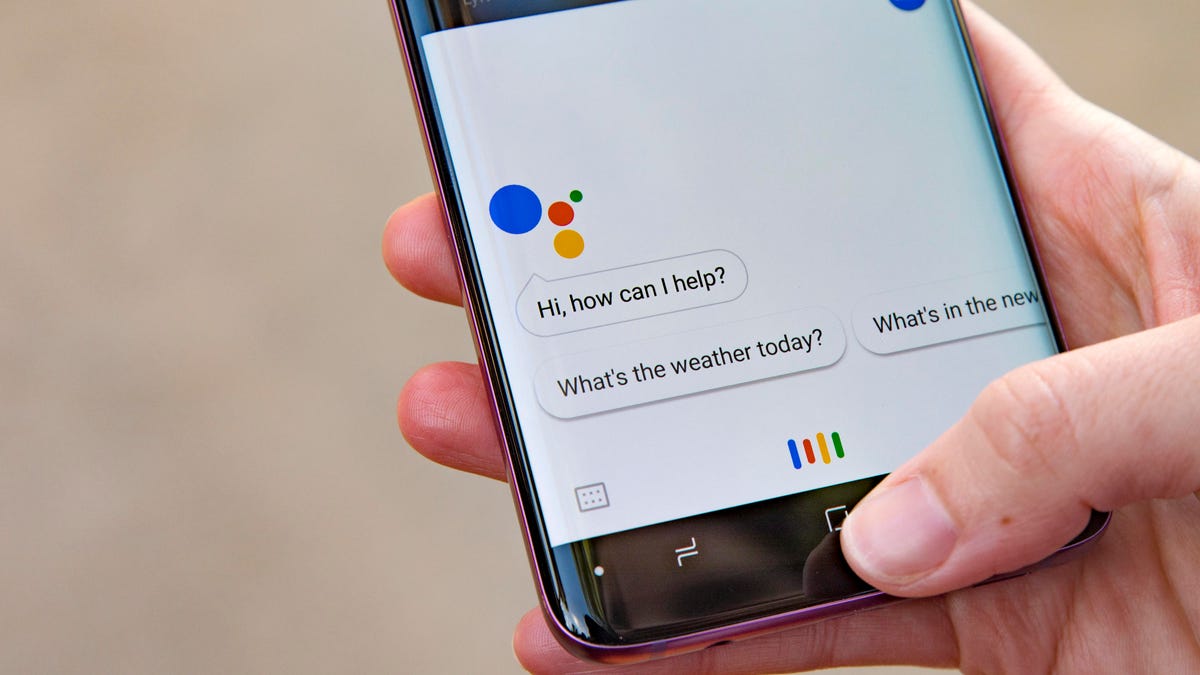
Here's how to use this WhatsApp hack

First, make sure you have google assistant installed on your phone. If not, download it from the play store. You can call it into action with a quick “Okay Google” or “Hey Google” while holding your home button. Alternatively, just call out to Siri if you use an iOS device.

Once you are all set up, say “Send a WhatsApp message to (say the name).” Don’t forget to correctly pronounce your contact name. After all, risk sending a message to the wrong person.

Now, your google assistant will ask you to mention the contents of the message.

Once the message is composed, you can view and edit it before you say “Okay, send it” to send your message. Additionally, all further messages are sent without an initial review.


ShareTweetShareSend

Recent Articles

Houthis Announce Maritime Embargo on Saudi Arabia: Why the Bab el-Mandeb Strait Matters to Global Trade

Houthis Announce Maritime Embargo on Saudi Arabia: Why the Bab el-Mandeb Strait Matters to Global Trade

July 22, 2026
Physicist warns military space race and satellite boom are creating a dangerous ‘doomsday system’

Physicist warns military space race and satellite boom are creating a dangerous ‘doomsday system’

July 22, 2026
US Accuses Cuba of Historic Espionage Campaign: What the New Allegations Mean for Washington

US Accuses Cuba of Historic Espionage Campaign: What the New Allegations Mean for Washington

July 22, 2026
Super El Niño Could Push Great White Sharks Closer to California Beaches, Expert Warns

Super El Niño Could Push Great White Sharks Closer to California Beaches, Expert Warns

July 22, 2026
BreezyScroll Logo

BreezyScroll is a global content platform that provides a unique experience of enhancing the knowledge quotient for its audience by providing the latest news and updates from various categories such as politics, sports, entertainment, technology, and more.
The platform aims to provide a concise and easy-to-read format for its users. BreezyScroll covers news stories from around the world, majorly the United States. The platform was launched in 2021 and has become one of the fastest-growing content companies in the US.

Follow Us

Browse by Category

  • Africa
  • Alaska
  • Animals
  • Asia
  • Athletics
  • Australia
  • Auto
  • Basketball
  • Bollywood
  • Brand
  • Breezy Explainer
  • Breezy Feature
  • Breezy Soul
  • Business
  • Canada
  • Chess
  • China
  • Coronavirus
  • Cricket
  • DIY
  • Education
  • Entertainment
  • Environment
  • EPL
  • Europe
  • Exclusive Interview
  • Exclusive Review
  • Football
  • Gaming
  • Health
  • Hollywood
  • India
  • International
  • K Pop
  • Law
  • Lifestyle
  • Middle East
  • Money
  • NFL
  • North America
  • OTT
  • Paris Olympics
  • Pets
  • Press Releases
  • Russia
  • Science
  • South America
  • Space
  • Sports
  • Startup
  • Technology
  • Tennis
  • Tennis
  • The Achievers
  • The US
  • Travel
  • UK
  • UK
  • Uncategorized
  • World
  • WWE

Trending Topics

AI Apple Australia Biden California Canada ChatGPT China Climate Change Coronavirus COVID-19 Donald Trump Elon Musk Featured Florida Google IPL Iran Japan Joe Biden Mars Meta Moon NASA NBA Netflix New York North Korea Ohio OpenAI Putin Russia Russia-Ukraine crisis South Korea Taliban Tesla Texas TikTok Trump Twitter UFO UK Ukraine USA Virat Kohli

No Result
View All Result
  • About BreezyScroll
  • Privacy & Policy
  • Contact Us

© 2024 · BreezyScroll.com

No Result
View All Result
  • Home
  • Breezy Stories
  • Technology
  • Gaming
  • Entertainment
  • Lifestyle
  • World
  • Money
  • Sports
  • Breezy Explainer

© 2024 · BreezyScroll.com

Go to mobile version